
LunaPic: Photo Effects Studio
Give your photos
another look.
Stack effects, cut out color, and build looping GIFs. Every edit happens on your device.
Explore the workspace
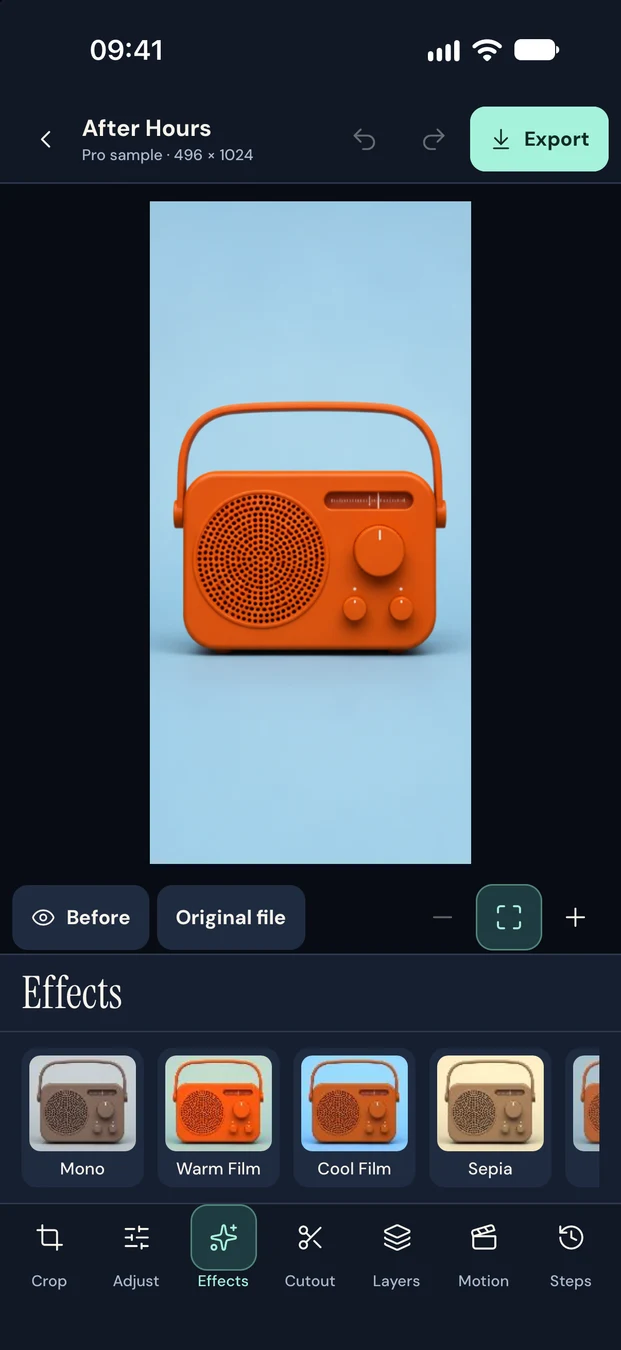
A workspace built around the photo.
On iPad, keep tools, the canvas, and the inspector in view.
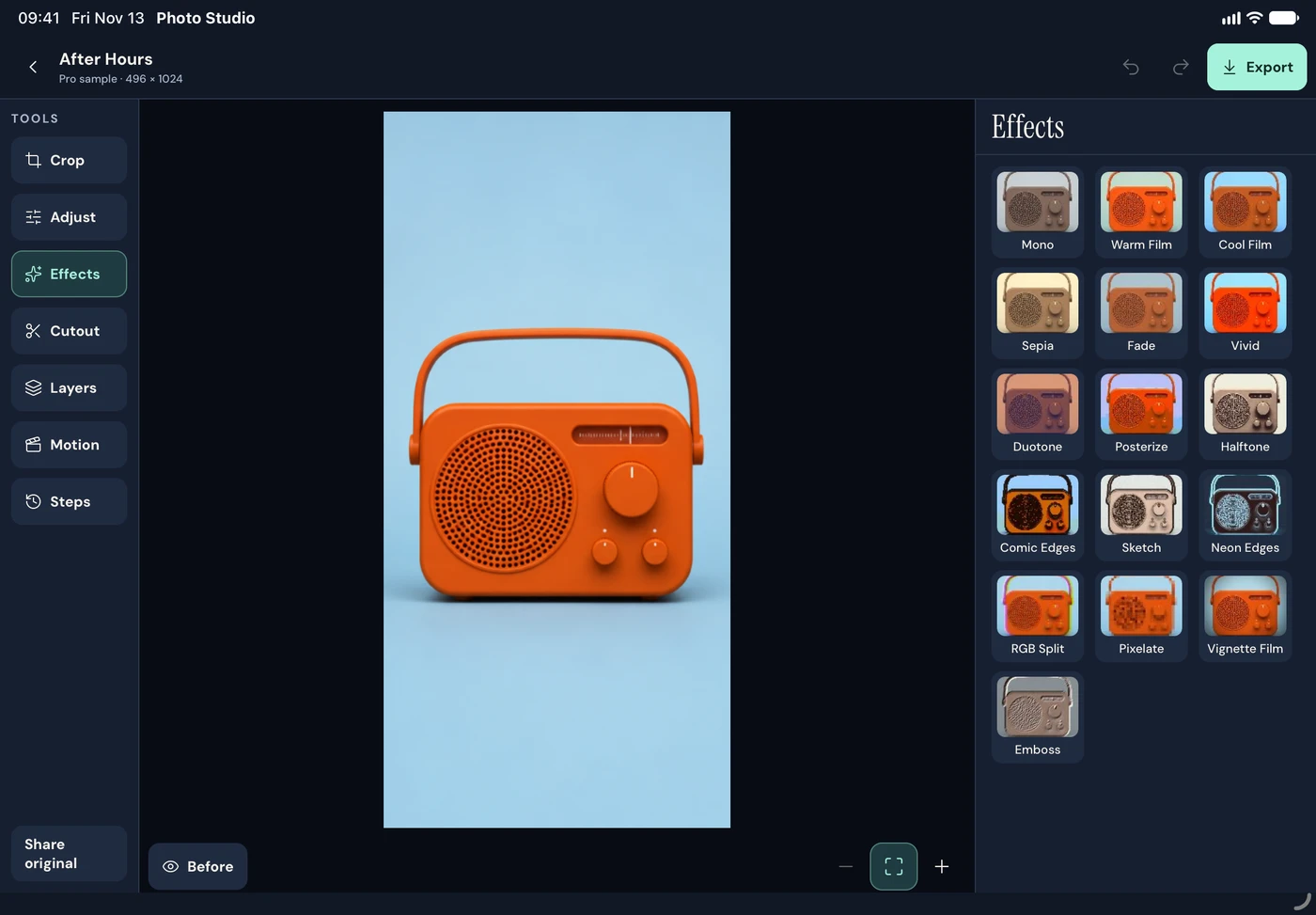
Build an edit
Crop, adjust, stack effects, and revisit the steps whenever you want.
Keep the edges you want
Pick a color to make it transparent. Refine with the erase and restore brush in Lifetime Pro.
Finish with a real file
Export transparent PNGs, choose a matte for JPEGs, or turn an edit into a loop.
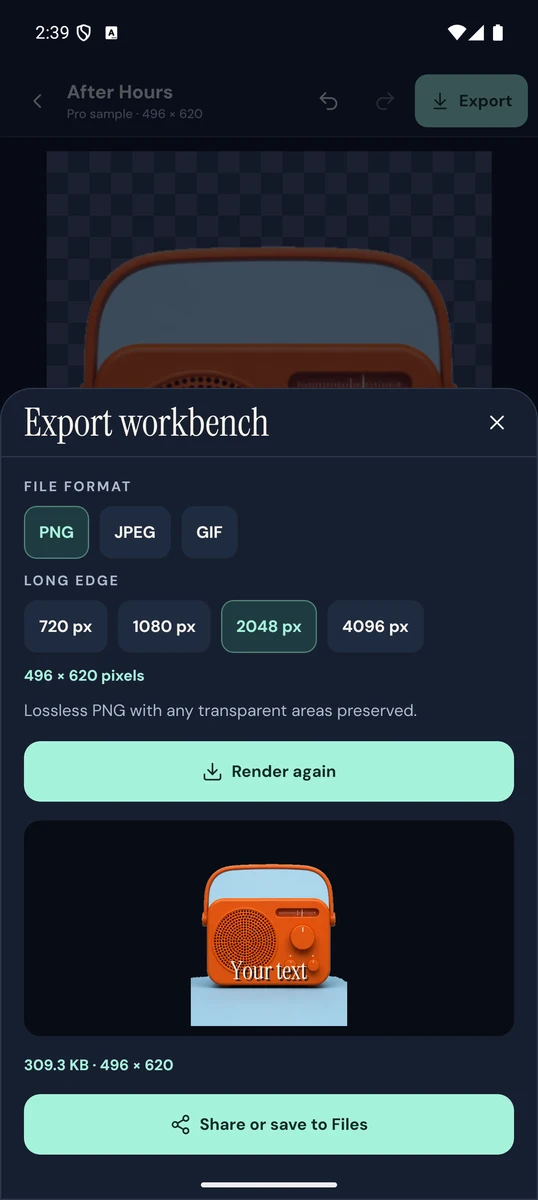
Give the background some space.
Check the transparent edges and the actual encoded size before you share a PNG. For a JPEG or GIF, choose a background color in the export workbench.
Lifetime Pro
Try the tools on an included sample. Unlock advanced effects, batch exports, saved recipes, and GIFs for your own photos with a single purchase.
$9.99One time in the US. Local prices vary.